Ever start with a card idea that’s cute—but then you wonder, “What if I just took it one step further?” That’s exactly what happened with this little piggy.
I began with a straightforward design using the Party Piggy stamp set, and by making a few small creative tweaks at each stage, I ended up with a fully interactive piggy bank card that holds a real gift. I thought I’d walk you through the journey, show the design evolution, and share a few tips in case you want to try something similar. From simple stamping to an interactive twist—see how this Stampin’ Up! Party Piggy card evolves with just a few easy upgrades!
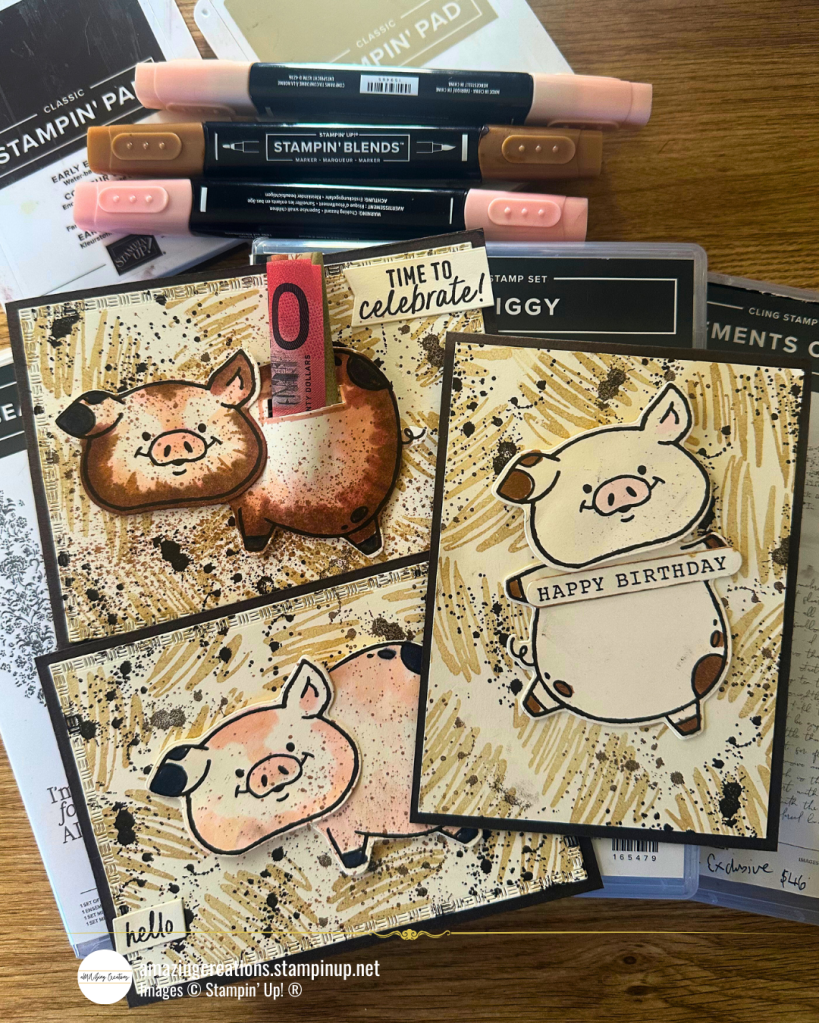
The Foundation Stage – Clean & Simple
This card was all about setting the scene. I used:
- Early Espresso cardstock as the base
- A front panel of Very Vanilla cardstock, stamped with the Beautiful Motifs stamp set in Crumb Cake for a scribbled, muddy look
- The Elements of Text stamp added more texture in Early Espresso ink
- Added a Sentiment from the More Messages to the front to complete the look

The pig was stamped in Early Espresso, die-cut, and adhered flat to the front, with a sentiment picked out from the More Messages Bundle. It’s a quick and effective card—perfect for when you want something cute, fast, and easy to replicate.
Tips:
- First & second generation stamping adds depth without needing multiple ink colors. It’s a great trick for building texture—especially for organic looks like mud, sand, or grunge.
- Don’t overthink placement with the Elements of Text stamp. The more random, the more natural it looks.
- Changing out the Sentiment is super easy with the More Messages as you can stamp them all out once & die cut them all at once, which allows you to have a bunch of sentiments to choose from
The Creative Twist & Turn – Adding Movement & Playfulness
(aka: changing things up with minor cuts & clever repositioning) Same background, but I decided to give the Party Piggy a little personality by:
- Turning the pig on its side (which meant trimming two trotters and reattaching curly tail)
- Moving the head to a new angle

This small change gave the pig a new postiion to be in—like it’s walking into that muddy background instead of lying in it. It’s a great example of how repositioning elements can dramatically change the vibe.
Tips:
- When trimming stamped images (like the trotters), cut into the border all round the pig, so that you do not see the stamped line on the die-cut outline—it helps everything feel seamless when reattached.
- Play around before gluing! Move the parts around until your pig has the exact expression or motion you like. Take a photo before sticking it all down.
- Use Mini Dimensionals or thin foam tape if you want slight elevation without too much bulk.
Beyond the Basics – Interactive & Elevated
This is where I pushed the design into more interactive territory. Using the same reworked the Party Piggy, I:
- Added color using Stampin’ Blends for more dimension
- Cut a slit at the top of the pig’s back
- Mounted it on foam tape, turning it into a mini piggy bank or gift card/money holder

Now it’s not just a card, it’s an experience. The rolled-up note peeking out gives it a tactile element, and it makes for a memorable birthday surprise!
Tips:
- When adding a slit for money or a gift card, use a craft knife or the Take Your Pick tool hobby blade for precision cutting and double-check your spacing so the item slides in cleanly.
- Add foam tape around the outer edge of the pig only (not across the slit!) to leave space for the rolled gift to sit comfortably.
Watch it all come together
This project was a reminder that you don’t need a ton of supplies to build something special—you just need a bit of curiosity and creativity. Sometimes, stepping it up just means stepping sideways & transform a basic Stampin’ Up! Party Piggy design into a layered, gift-ready card. Small changes, big impact!
What We’re Loving
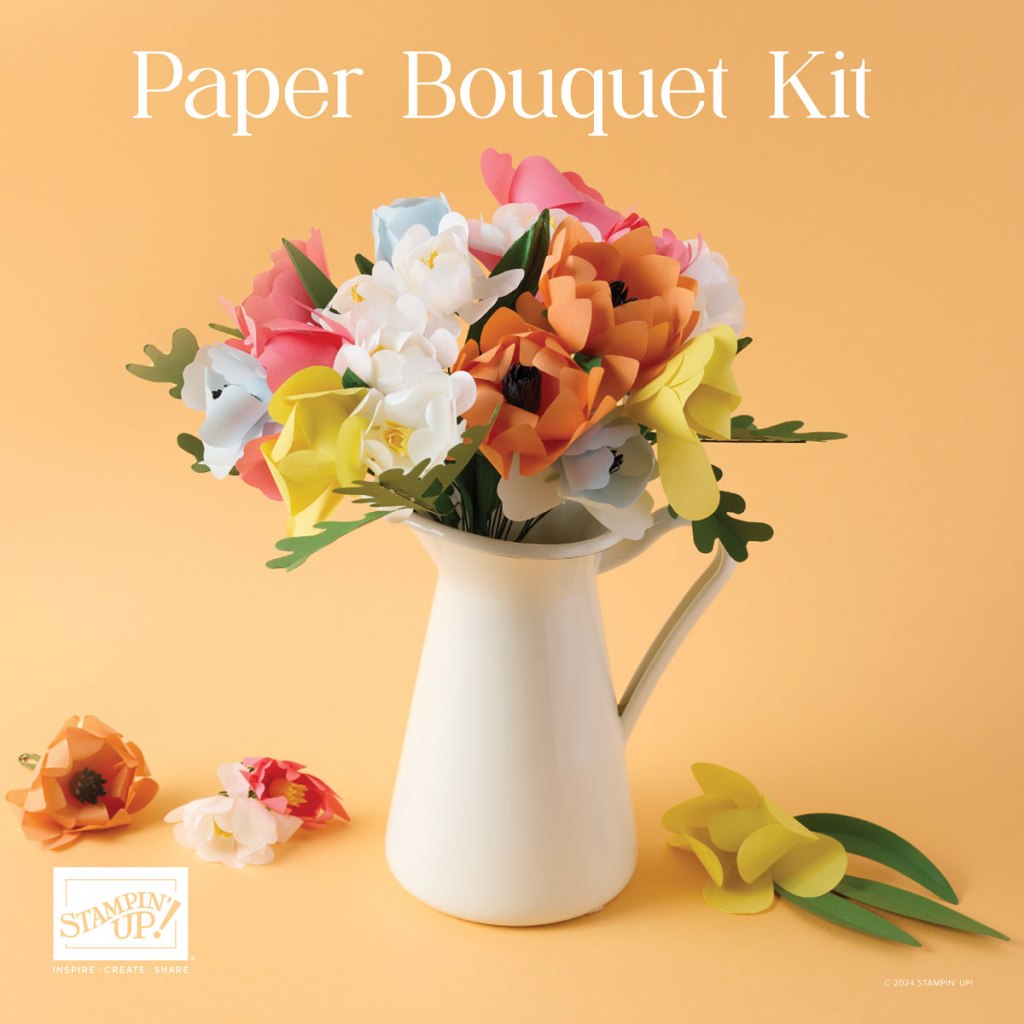

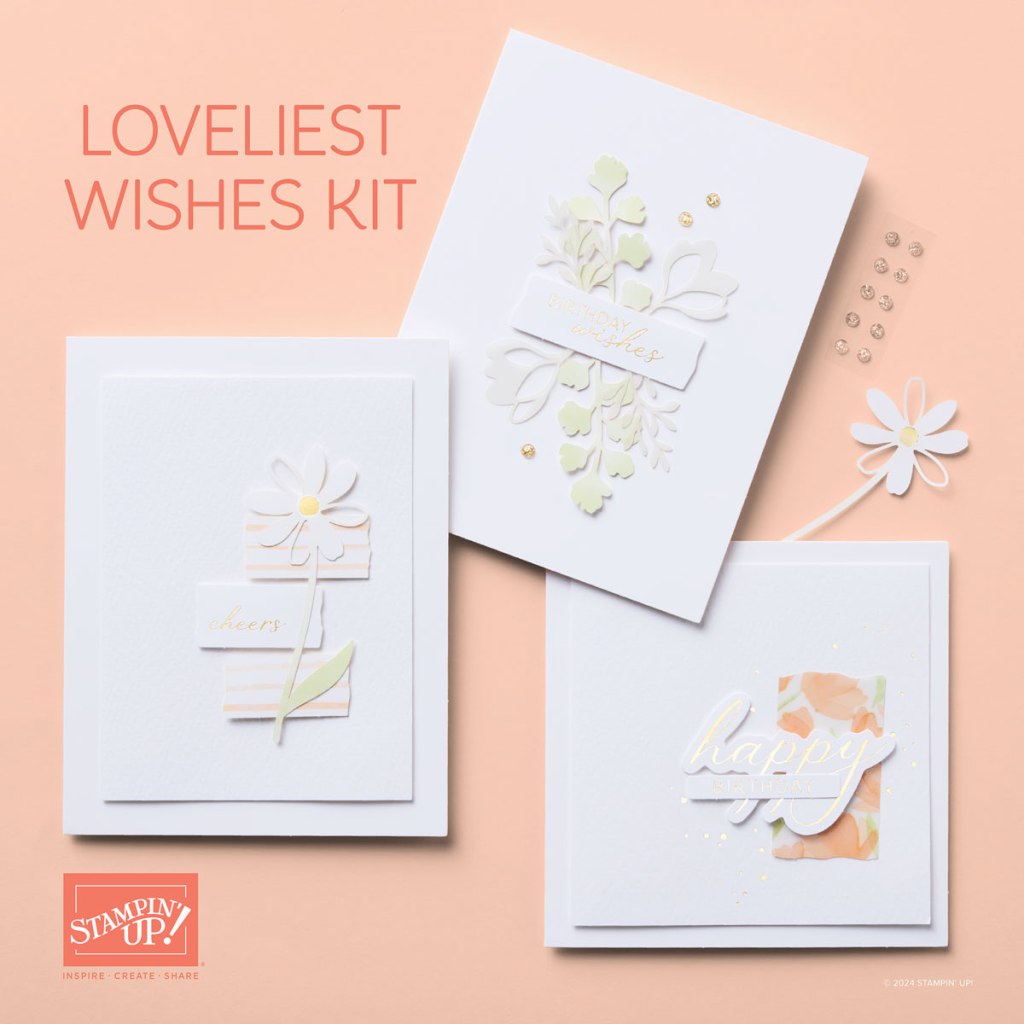
Stay tuned for more inspiring projects using Stampin’ Up!’s incredible products.
Unlock Scrapbooking, Cardmaking Tips & Inspiration! Subscribe Today
Til next time, see you soon & keep creating!
Maz
 aMAZing Creations
What do you think?